Products
A product is one application you sell licenses for: Acme Pro, Acme Server, a plugin. Everything else lives inside a product: its policies, customers, licenses, machines and releases.
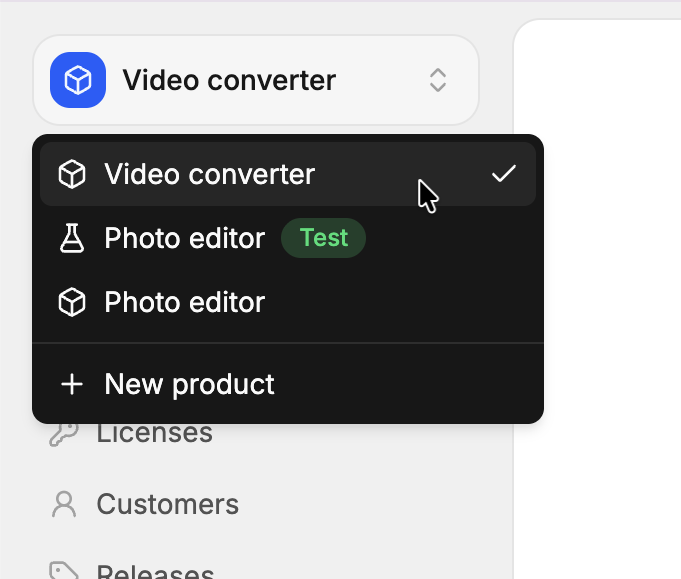
At Acme Studio, Acme Photo, the photo editor, and the video converter are two products of the same organization. Each one has its own offers, its own customers and its own license keys: a key bought for Acme Photo doesn’t unlock the video converter.
When to create a product
Create one product per application that customers license separately. A license key unlocks exactly one product.
| Situation | What to do |
|---|---|
| Two apps sold separately | Two products. |
| One app with Personal and Business editions | One product, with one policy per edition. |
| One app with a desktop and a mobile version, unlocked by the same key | One product: the key works on every machine, whatever its platform. |
| A plugin that requires the main app’s license | Usually its own product, so the plugin has its own keys and customers. |
| Trying things out without real customers | A test product. |
Create a product
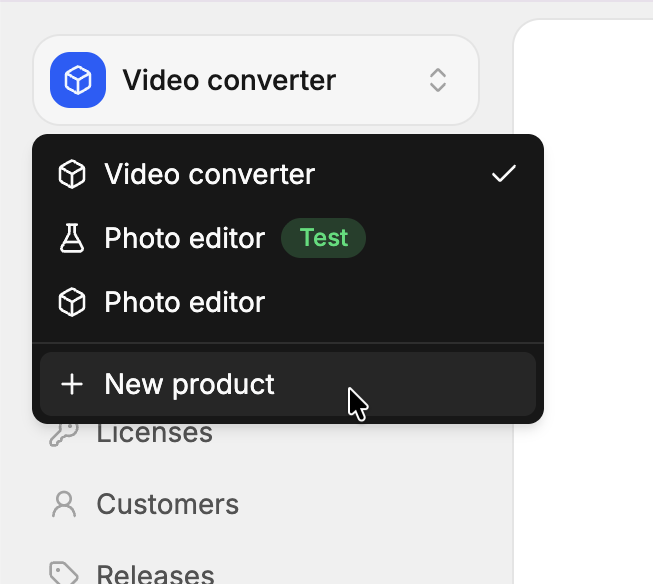
Open the product menu
In the sidebar, open the product switcher, then click New product.
Name it
Enter the Name of the product. Check Test product to create a test product instead.
Create it
The product is created with a default policy, so you can create licenses right away.
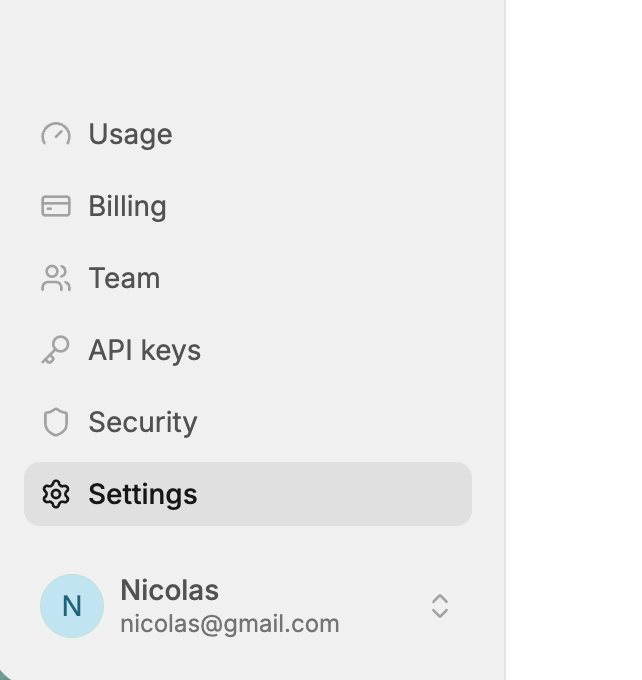
Settings
When a product is selected, got to the settings page to update its properties.
Name
Shown in the app, in the customer portal, and in the emails that send license keys to customers. You can rename a product at any time on the settings page: nothing else depends on its name.
Slug
The identifier of the product in the app’s URLs, like acme-pro in …/products/acme-pro/licenses. It’s unique within the organization, made of lowercase letters, digits and dashes.
- Without a slug, it’s made from the name:
Élan Pro 2!becomeselan-pro-2. When another product already uses it, 3 random characters are appended, likeelan-pro-2-k3f. - A slug you choose is used as is, and refused when another product uses it.
- The slugs of test products start with
test_, added for you.
Changing the slug changes the URLs of the product in the app: bookmarks to the old URLs stop working. Your application isn’t affected: it uses the product’s id.
Id
The product’s id, like x7Kp2QaZ, never changes. Your application uses it to validate license keys (/v1/products/{productId}/validate-key), and the license tokens it receives carry it as their audience (aud), so the application can check that a token was issued for this product.
The id isn’t on the settings page. You’ll find it:
- On the product’s dashboard, under its name: the
ID:badge, with a button to copy it. - On the organization’s Security page, in the sidebar: a table lists the id of every product, test products included, each with a copy button.
Logo
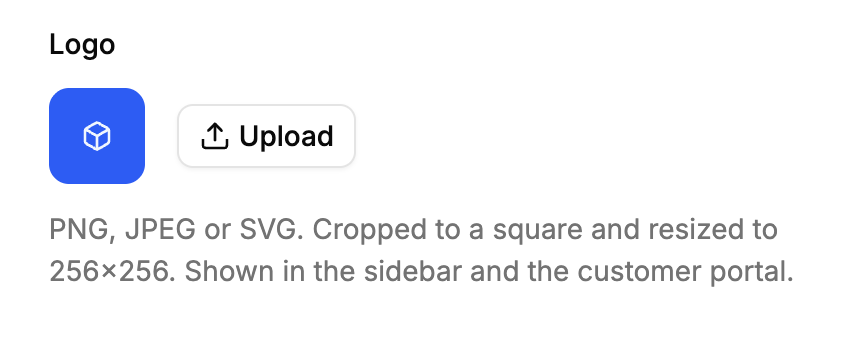
Shown in the app, the customer portal and the license key emails. WebP, PNG, JPEG or SVG, up to 1 MB. The app crops images to a square and resizes them to 256×256 before uploading them; SVGs are kept as is.
Customer portal
Each product has its own customer portal, where its customers see their licenses and deactivate their machines. Its colors, return link and allowed return domains are settings of the product.
Delete a product
Open Settings, then Delete product in the Danger zone.
- A live product can only be deleted when no license belongs to it: delete its licenses first. This protects you from deleting keys your customers rely on.
- Deleting it also deletes its policies, customers and releases, and its test products, with everything they hold.
- A test product can always be deleted, with its licenses and machines.
- The events of the deleted policies and licenses can no longer be listed.
Deleting a product can’t be undone. Once deleted, its product id no longer exists: applications validating keys against it get a not_found error.
Plan limits
Products count toward the products limit of your plan, test products included. Their licenses count toward the active licenses limit like any other.
Edge cases
Same customer on two products. Customers belong to one product. A person buying two of your products is two customers, one per product, with the same email. See customers.
Moving licenses between products. Not possible: a license belongs to its product for its whole life. Create new licenses in the other product.
Renaming the organization. The license tokens’ issuer (iss) is the organization’s name, so it changes. Check the audience (aud), which is the product id, rather than the issuer. See offline validation.
Two products, one signing key. Every product of the organization, test products included, signs its license tokens with the organization’s key. A token of one product verifies with the public key of the others: check its aud.