Introduction
LicenseManager issues license keys for the software you sell, checks them from your application, and keeps track of who uses them, where, and with which version. You keep selling the way you want, with Stripe, your own checkout, or by hand, and LicenseManager handles everything that happens after the sale.
Think of Acme Studio, a small team selling a photo editor for Mac and Windows. A photographer pays for a Personal license, receives a key by email, and enters it in the app on their laptop and their studio desktop. A year later, the license expires, the app asks them to renew, and the photographer who bought it during version 2 keeps using version 2 forever. Every step of this story is handled by LicenseManager.
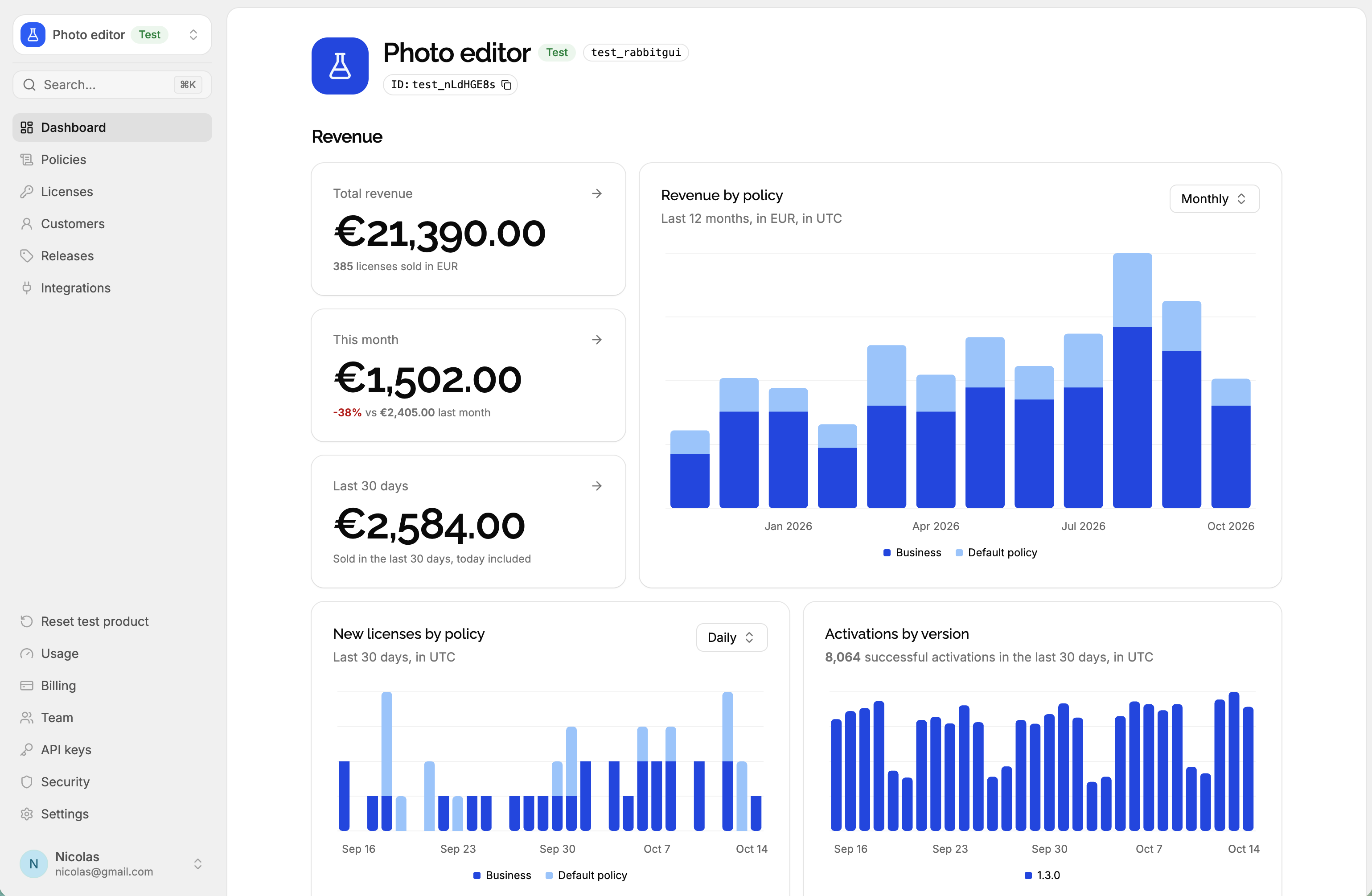
What LicenseManager does
- Creates license keys, by hand, through the API, or automatically when a customer pays with Stripe, and emails them to your customers.
- Validates keys from your application with a single request that needs no secret, and returns a signed token your application checks offline.
- Limits each license to a number of machines, a duration, and the versions it unlocks, like “one year of updates”.
- Lets your customers help themselves in the customer portal: they find their keys and free a machine to move to a new one, without writing to your support.
- Records everything that happens to a license as events: who changed it, and why a validation was refused.
- Keeps tests apart in test products, with their own keys, so your integration can’t touch a real customer.
How it works
- You create a product for your application, and a policy for each offer you sell: Trial, Personal, Business.
- A license is created for a customer, with a policy. The customer receives its key.
- Your application validates the key when it’s entered, with an id of the device. LicenseManager checks the license and returns a signed token.
- Your application stores the token and checks it on each launch, offline. Before it expires, it validates the key again.
New here? Read the concepts first: products, policies, customers, licenses and machines are the words every page uses.