 LicenseManager
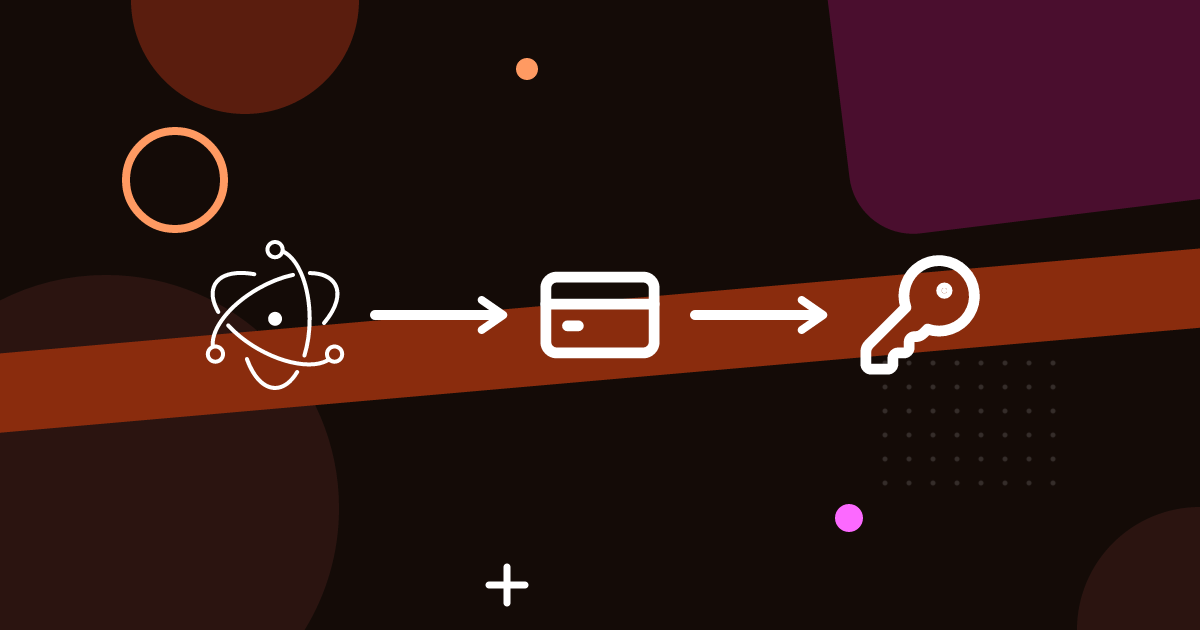
Electron makes it easy to ship a desktop app to macOS, Windows and Linux from one codebase. Getting paid for it is less obvious: there’s no single store that covers the three platforms, and the web’s usual answer, a subscription behind a login, doesn’t fit every desktop app.
This guide covers the decisions you’ll make before selling your first copy, in the order you’ll meet them.
Decide where you sell: app stores or direct
You have two broad options, and many apps end up doing both.
Through app stores
The Mac App Store and the Microsoft Store both accept Electron apps. They handle payments, taxes and discovery, and customers trust them.
They also come with constraints:
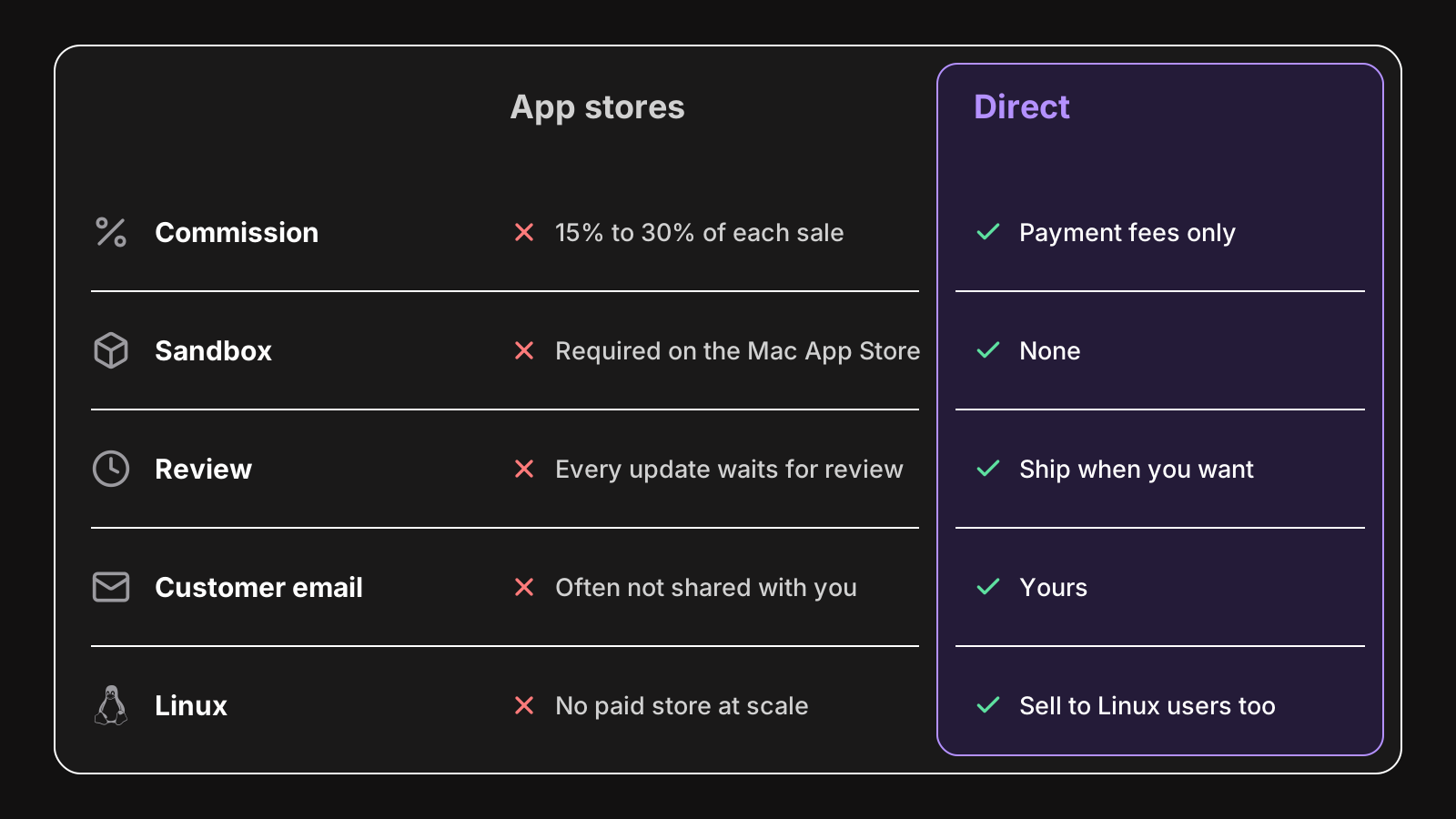
- A commission on every sale, typically 15% to 30%, depending on the store, your revenue and the type of purchase.
- Sandboxing. Mac App Store apps run in the App Sandbox, which restricts file system access, and some Electron features and native modules need extra work or don’t work at all. See Electron’s Mac App Store submission guide.
- Review delays on every update.
- No Linux store with paid apps at scale. Snap Store and Flathub exist, but selling there is uncommon.
- No direct relationship with your customers: you often don’t get their email.
Directly from your website
Selling directly means a checkout on your website, a download link, and a way for the app to know the customer paid. You keep the customer relationship and most of the revenue, ship updates when you want, and sell on Linux too.
In exchange, you handle what the store did for you: payments, taxes, code signing, updates, and licensing. The rest of this guide is about those.
Pick a pricing model
Desktop apps have more pricing options than web apps, because the app runs on the customer’s computer without needing your server.
- Perpetual license: pay once, use forever. Customers love it, but revenue stops when sales do.
- Perpetual with a year of updates: pay once, keep the version you have forever, and pay again for updates after a year. Popular with indie Mac apps, and a good middle ground.
- Yearly or monthly subscription: recurring revenue, but desktop users push back harder on subscriptions than web users, especially for apps that don’t depend on your servers.
- Free with a paid tier: the free version spreads the app, the paid one unlocks features.
Add a free trial to almost any of these. Most people won’t pay for a desktop app they haven’t tried. See how to add a free trial to an Electron app.
Charge per user, not per installation. A license for “one person on up to 3 computers” matches how people work: a desktop and a laptop, and a new one every few years.
Choose how you take payments
Stripe, or another payment processor
Stripe takes the payment and pays you, for a small fee per transaction. You get Checkout pages and Payment Links without writing code, and full control.
You’re the seller, though, so sales taxes are yours to handle: VAT in the EU and UK, GST in Australia, sales tax in some US states. Stripe Tax can calculate and collect them, but you still register and file in each place where you pass the thresholds.
A merchant of record
A merchant of record, like Paddle, Lemon Squeezy or FastSpring, sells your app on your behalf. They’re the seller in the eyes of tax authorities, so they collect and pay sales taxes worldwide. They charge more per sale than Stripe, typically around 5% plus a fixed fee.
For a solo developer selling worldwide, a merchant of record removes a lot of paperwork. For a company that already handles taxes, Stripe is cheaper. If you’re not sure, compare the tools that bundle payments and licensing with the ones that only do licensing.
Add license keys
When you sell directly, your app needs to know whether the person running it paid. A license key is the standard answer:
- The customer pays.
- A key is created and emailed to them.
- They paste it in your app, which checks it with a server and unlocks.
The server part is what makes keys useful: it lets you limit machines, expire keys when a subscription ends, and suspend them on refunds. The app part has to keep working offline, and survive updates without asking for the key again.
We cover the whole integration in how to add license keys to an Electron app. If you use Stripe, LicenseManager creates a key for each payment and emails it, so you don’t need a backend.
Sign your app
An unsigned Electron app is a hard sell:
- On macOS, Gatekeeper refuses to open an app that isn’t signed with a Developer ID and notarized by Apple. Customers have to dig into System Settings to open it, and most won’t.
- On Windows, SmartScreen shows “Windows protected your PC” for unsigned downloads, with the run button hidden behind “More info”.
Signing costs money (an Apple Developer Program membership, and a Windows certificate or signing service) and some setup in your build. It’s not optional for a paid app. See how to code sign and notarize an Electron app.
Ship updates automatically
Customers who paid expect bug fixes without downloading a new installer by hand. Electron has a built-in auto-updater, and electron-updater from electron-builder supports more platforms and hosts. Both require a signed app on macOS. See Electron auto update, explained.
If you sell a year of updates, the updater and the license have to agree: a customer whose updates ended shouldn’t be offered a version their license doesn’t cover, or should be told why it won’t unlock.
Build the website
Your website does the selling, so it needs at least:
- A page that explains the app, with screenshots or a short video.
- A download button for each platform, or one that detects it.
- A pricing page with a buy button for each plan.
- A way to recover a lost key, ideally self-service. It’s the most common support request of any app sold with keys.
Wrapping up
Selling an Electron app directly takes a few decisions and a few building blocks: a pricing model, a payment provider, license keys, code signing, and auto updates. None of them is hard on its own, and you don’t have to build all of them yourself.
Once the app is signed and the website is up, connecting Stripe to LicenseManager’s Electron SDK is the fastest way to go from “free download” to “paid app”. The same goes for Tauri apps, with the Tauri SDK (see adding license keys to a Tauri app), and for native Mac apps written in Swift, with the macOS SDK.