 LicenseManager
Get Slack notifications about your licenses
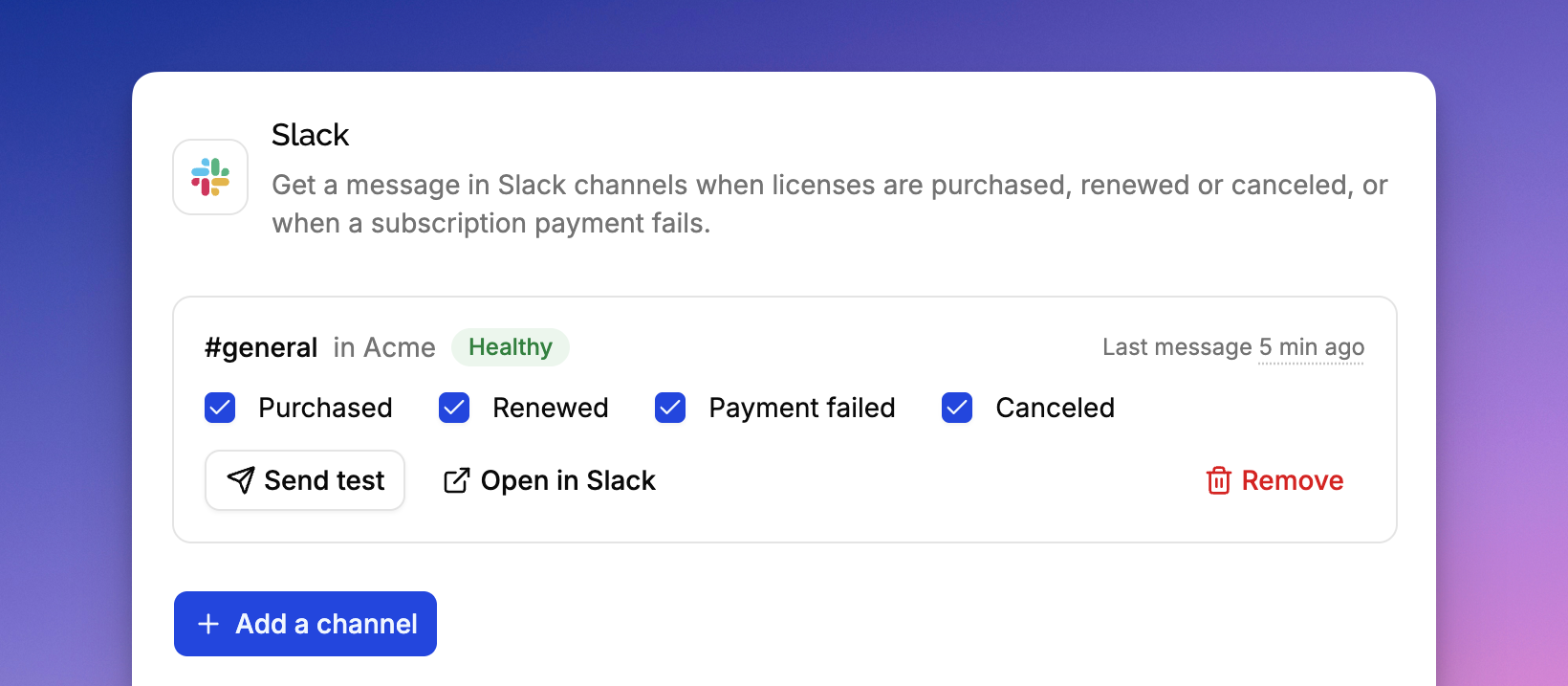
You can now follow your sales from Slack. On the Integrations page of a product, click Add to Slack, then pick the channel to post to on Slack's screen. Add it again to post to more channels.
Each channel gets the notifications you choose:
- Purchased: a license bought through Stripe,
- Renewed: a subscription renewal paid,
- Payment failed: a subscription payment failed,
- Canceled: a license canceled, or its subscription ended.
Each message shows the customer, the policy and the price, with links to the license and to Stripe. A cancellation tells who canceled, why, and whether the Stripe payment was refunded. Click Send test to check a channel works.
From the API, list a product's channels and choose their notifications:
GET /v1/products/{productId}/integrations/slack
PATCH /v1/slack-connections/{id}
{ "events": ["purchased", "canceled"] }