 LicenseManager
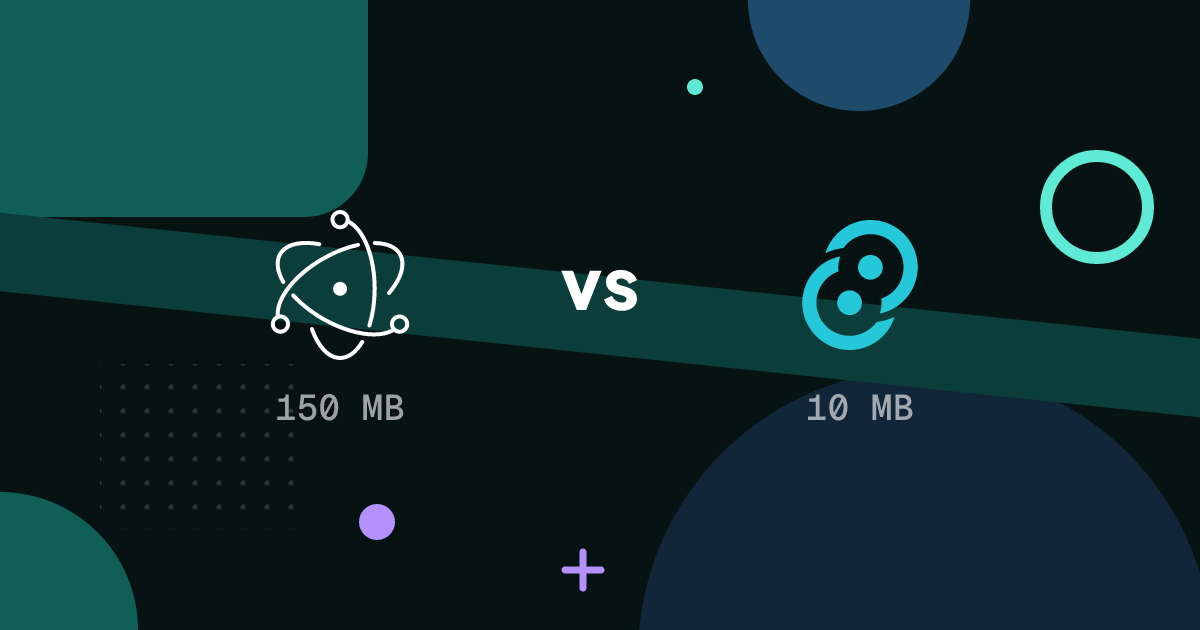
If you’re building a desktop app with web technologies, you’ll compare Electron and Tauri. Both let you write your UI in HTML, CSS and JavaScript, with React, Vue, Svelte or anything else, and ship it to macOS, Windows and Linux. They make very different choices under the hood, and those choices show up in your app.
For downloads, GitHub stars and community activity, updated every two weeks, see Tauri vs Electron in numbers.
How they work
Electron bundles a full copy of Chromium and Node.js with your app. Your UI runs in Chromium, and your “backend” code runs in Node.js, in the main process. Every Electron app ships its own browser.
Tauri uses the webview of the operating system: WebKit (WKWebView) on macOS, WebView2 (Chromium-based Edge) on Windows, WebKitGTK on Linux. Your backend code is written in Rust, compiled into a native binary. Tauri 2 also targets iOS and Android.
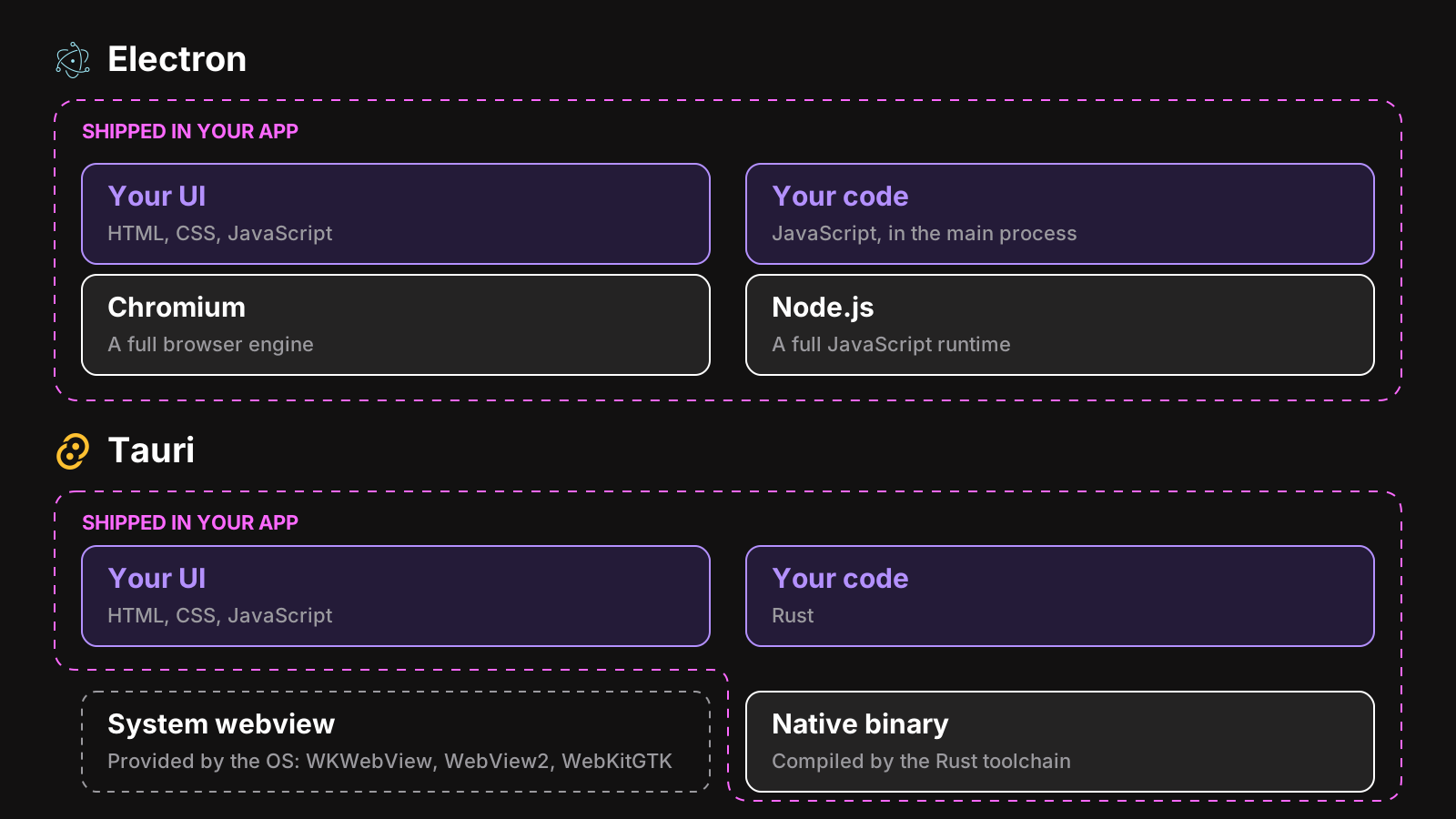
Most of the differences below follow from this.
App size and memory
| Electron | Tauri | |
|---|---|---|
| Installer of a small app | Around 80 to 150 MB | A few MB |
| Memory at idle | Higher: a Chromium instance per app | Lower, but the system webview still uses memory |
| Startup time | Fast, with care | Fast |
Tauri wins clearly on download size, because it doesn’t ship a browser. On memory, the difference is real but smaller than the size difference suggests: the webview is still a browser engine, and a heavy UI uses memory in either.
Does it matter? For a utility that sits in the menu bar, or an app downloaded in places with slow connections, yes. For a productivity app that people use all day, most customers never notice the installer size.
Rendering consistency
This is Electron’s biggest advantage, and the most underrated one.
With Electron, every user runs the same Chromium version, the one you shipped. What you test is what they see.
With Tauri, your UI runs in three different engines, at versions you don’t control:
- On macOS, WebKit’s version depends on the user’s macOS version. Someone on a two year old macOS has a two year old Safari engine.
- On Windows, WebView2 updates itself, mostly in sync with Edge.
- On Linux, WebKitGTK depends on the distribution, and some are far behind.
In practice, it means testing on each platform, avoiding the newest CSS and web APIs, and occasional bugs that only happen on one engine. For a simple UI, it’s manageable. For a complex app, like an editor, a design tool or anything with heavy canvas or WebGL work, it can be a real cost.
Backend language
In Electron, the main process is Node.js: the same language as your UI, the whole npm ecosystem, and native modules when you need them.
In Tauri, it’s Rust. You get performance, memory safety, and small binaries. You also need to know Rust, or learn it, for anything beyond the APIs Tauri’s plugins provide. For a team of web developers, that’s the main barrier.
Security model
Both can be secure, and both can be made insecure.
Tauri starts locked down: the frontend can only call the Rust commands and plugins you expose, through a permissions system with capabilities per window. Rust removes whole classes of memory bugs.
Electron has been secure by default for several versions: context isolation, sandboxed renderers, and no Node.js in renderers. You expose what the UI needs through a preload script. The security checklist is worth following, and fuses close a few more doors.
Ecosystem and maturity
Electron has been around since 2013, and runs VS Code, Slack, Discord, Figma’s desktop app, Notion and many more. Nearly every problem you’ll meet has been solved and written about: packaging, signing, auto updates, crash reporting, native modules.
Tauri 2 is stable and growing fast, with an active community and an official plugin set (updater, deep links, notifications, file system, and more). It has fewer third party libraries, and you’ll more often be the first to hit a given problem.
Packaging, signing and updates
Both have mature tooling:
- Electron: electron-builder or Electron Forge, and electron-updater or Electron’s autoUpdater.
- Tauri: its own bundler (
tauri build) makes DMGs, MSIs and NSIS installers, AppImages and debs, and the official updater plugin verifies updates with a signature of its own.
Code signing works the same way for both, since it’s a platform requirement: a Developer ID and notarization on macOS, a certificate or signing service on Windows. See how to code sign and notarize an Electron app; the certificates and the steps are the same with Tauri.
Selling the app
If you plan to sell your app, both work: the licensing logic lives in your backend code, the main process for Electron, Rust for Tauri.
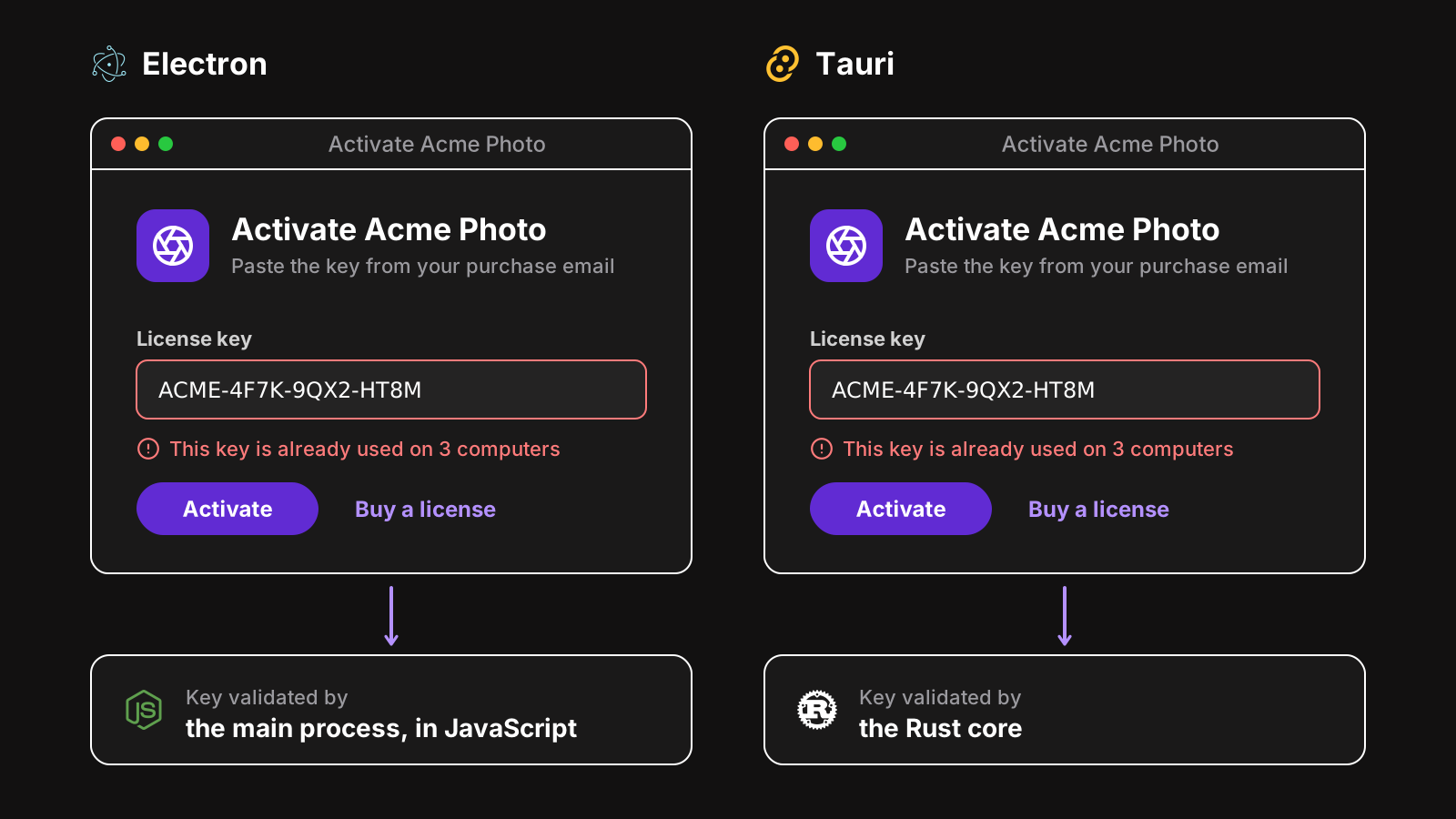
The pieces you need are the same: a license key check against a server, a machine fingerprint, a signed token to keep working offline, and the keychain to store it. See how to add license keys to an Electron app and to a Tauri app. LicenseManager has an SDK for each that does all of it: the Electron SDK in the main process, and the Tauri SDK in Rust. They store the same data and compute the same machine fingerprint, so if you start on Electron and move to Tauri later, your customers stay activated. Compare the options for each in license management tools for Electron and for Tauri.
How to choose
Pick Electron if:
- your team knows JavaScript and Node.js, and not Rust,
- your UI is complex, and you want it to render the same everywhere,
- you rely on npm packages or native Node.js modules,
- you want the most proven path, with answers for every problem.
Pick Tauri if:
- download size or memory use really matters for your users,
- your team knows Rust, or wants to,
- your UI is simple enough that webview differences won’t hurt,
- you also want mobile apps from the same codebase.
Neither choice will sink your app. Ship it, find out if people want it, and the framework will be the least of your concerns.