 LicenseManager
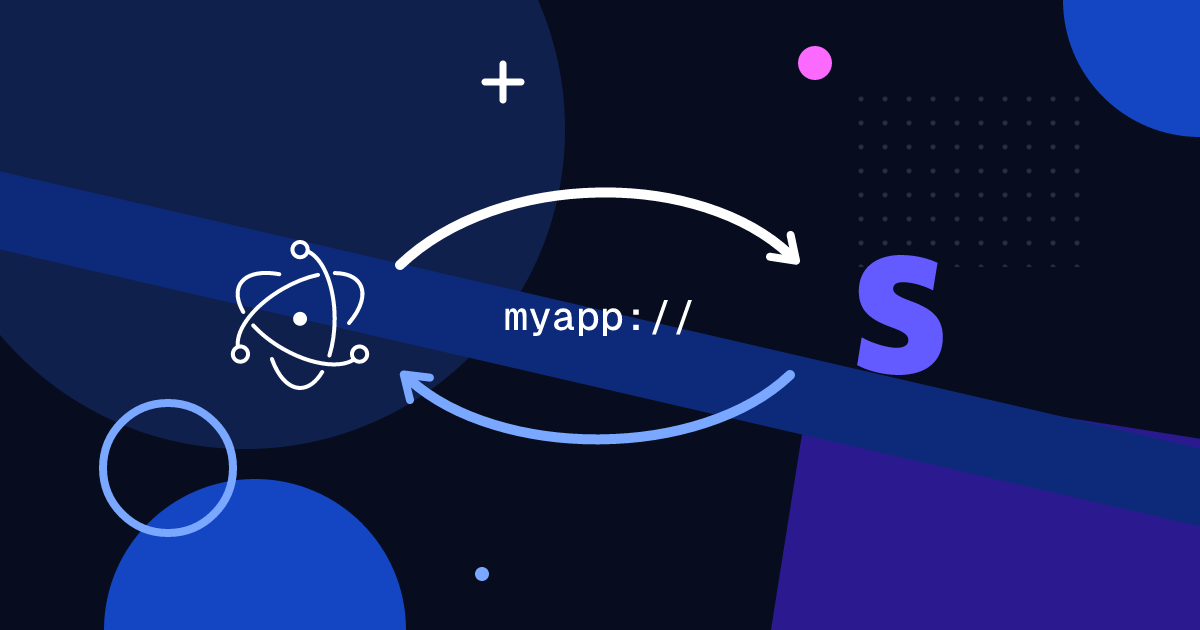
Your Electron app has a “Buy” button. Where should it take the customer, and how do they get back to your app once they paid, with the app unlocked?
This guide builds that flow with Stripe Checkout or a Payment Link: open the checkout from the app, come back with a deep link, and activate the license.
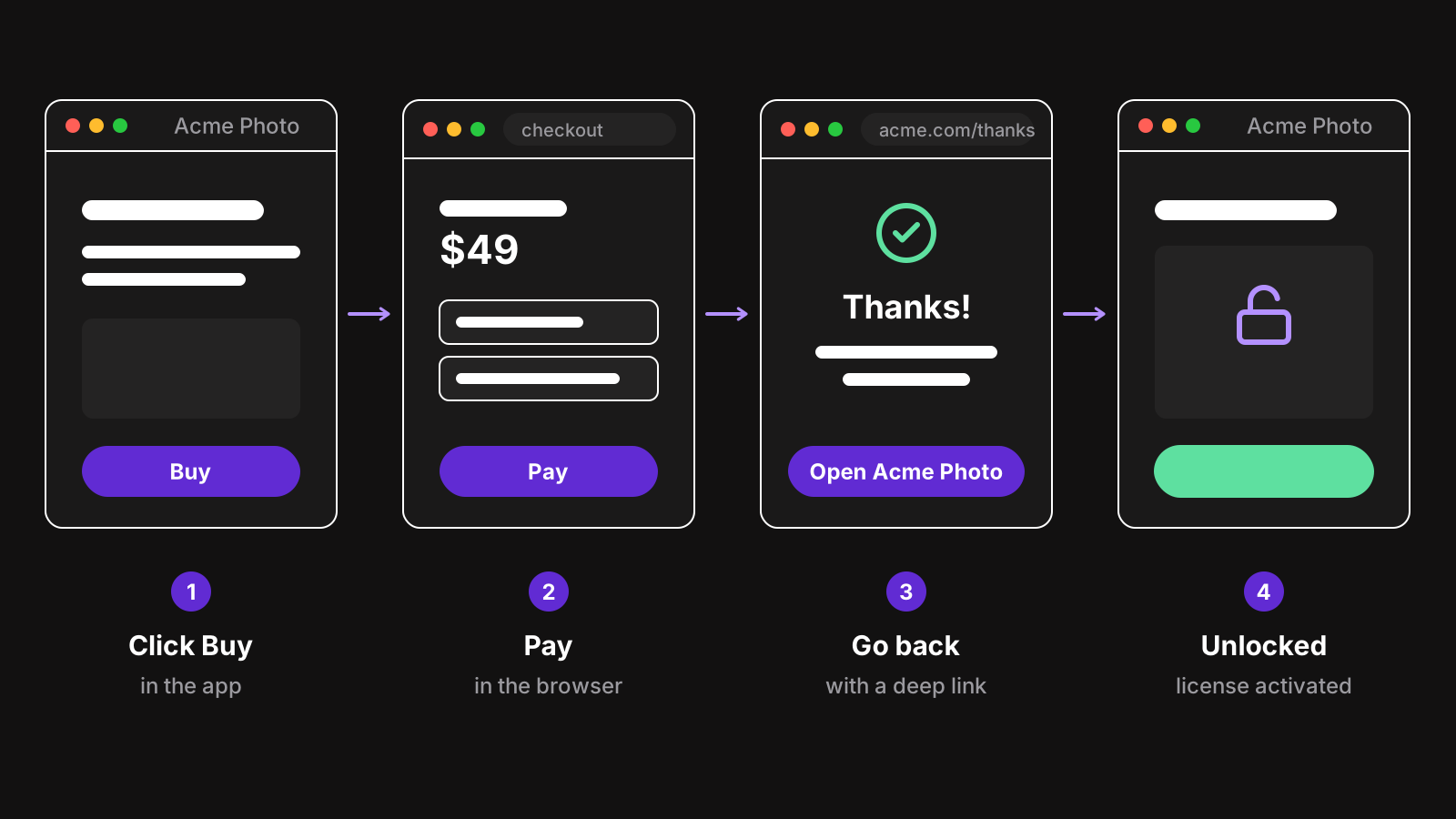
Open the checkout in the browser
You could load Stripe Checkout inside a BrowserWindow. Don’t:
- Saved payment details don’t work. The customer’s browser has their autofill, password manager, Apple Pay, Google Pay and Link session. Your
BrowserWindowdoesn’t. - Trust. People are used to paying in their browser, with the address bar showing
checkout.stripe.com. A window without an address bar asking for a card number looks like phishing. - Bank authentication (3D Secure) sometimes opens a banking app or another window, which works better in a real browser.
Open it with shell.openExternal instead, from the main process:
import { ipcMain, shell } from "electron";

const PAYMENT_LINK = "https://buy.stripe.com/test_00g5kB9xY";

ipcMain.handle("buy", (_event, email?: string) => {
  const url = new URL(PAYMENT_LINK);
  if (email) url.searchParams.set("prefilled_email", email);
  return shell.openExternal(url.toString());
});
Payment Links accept a few URL parameters, like prefilled_email and client_reference_id, so you can fill in what the app already knows. If you create Checkout Sessions from your backend instead, pass the email as customer_email.
Only pass URLs you built yourself to shell.openExternal: never one that comes from a web page or a message, which could open any program on the computer.
Register a custom protocol
To bring the customer back to the app, register a protocol like acmephoto://. Links with it open your app, wherever they’re clicked.
import { app } from "electron";
import path from "node:path";

if (process.defaultApp && process.argv.length >= 2) {
  // Development: register the electron binary with the path to your app
  app.setAsDefaultProtocolClient("acmephoto", process.execPath, [
    path.resolve(process.argv[1]),
  ]);
} else {
  app.setAsDefaultProtocolClient("acmephoto");
}
The installer has to declare the protocol too, especially on macOS, where it’s read from the app’s Info.plist. With electron-builder:
protocols:
  - name: Acme Photo
    schemes: [acmephoto]
With Electron Forge, set packagerConfig.protocols to the same, and add mimeType: ["x-scheme-handler/acmephoto"] to the Linux makers.
Receive the link
Each platform delivers the link differently:
- macOS sends an
open-urlevent to the running app, or launches it and then sends the event. - Windows and Linux start a new instance of the app, with the URL in its command line arguments. You need a single instance lock to forward it to the running one.
import { app } from "electron";

function handleDeepLink(url: string) {
  const { host, searchParams } = new URL(url);
  if (host === "purchased") onPurchased(searchParams.get("email"));
}

// macOS
app.on("open-url", (event, url) => {
  event.preventDefault();
  handleDeepLink(url);
});

// Windows and Linux
if (!app.requestSingleInstanceLock()) {
  app.quit();
} else {
  app.on("second-instance", (_event, argv) => {
    const url = argv.find((arg) => arg.startsWith("acmephoto://"));
    if (url) handleDeepLink(url);
    focusMainWindow();
  });
}

// Windows and Linux, when the link launched the app
const launchUrl = process.argv.find((arg) => arg.startsWith("acmephoto://"));
if (launchUrl) app.whenReady().then(() => handleDeepLink(launchUrl));
Register open-url early, before ready: on macOS, a link that launches the app is delivered right after startup.
Treat every deep link as untrusted input. Anyone can make a page with a link to acmephoto://purchased. Never unlock the app because a link says the customer paid: use it only to bring the app forward and show the right screen.
Come back after payment
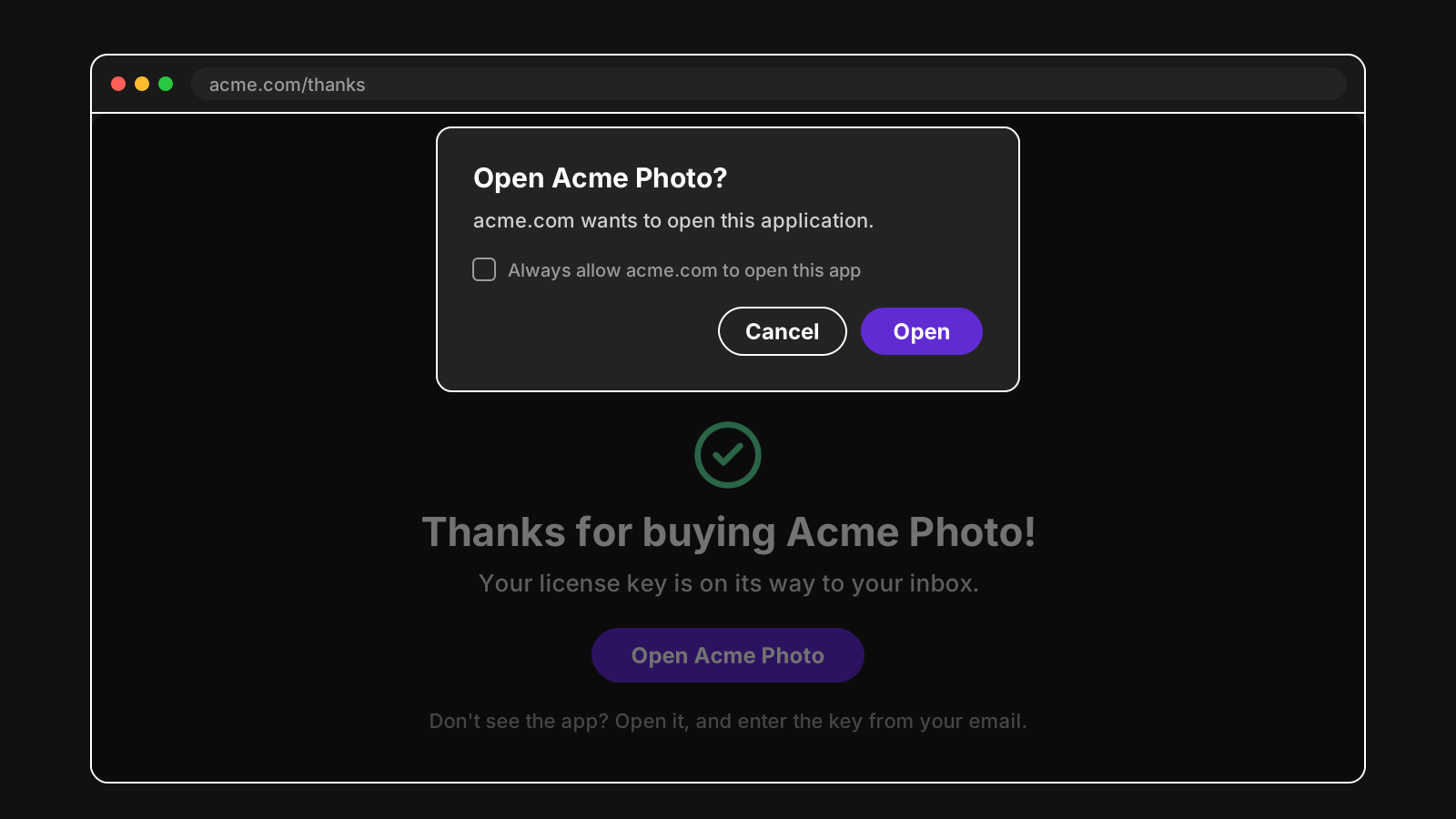
Stripe redirects to a page on your website after payment: set it in the Payment Link’s “After payment” settings, or as the success_url of a Checkout Session. That page thanks the customer, and links back to the app:
<h1>Thanks for buying Acme Photo!</h1>
<p>Your license key is on its way to your inbox.</p>
<a href="acmephoto://purchased">Open Acme Photo</a>
Browsers ask for confirmation before opening an app from a link. That’s expected, and why the page should also say what to do if the customer doesn’t see the app: open it, and enter the key from their email.
Unlock the app
The payment happened at Stripe, but your app still has to learn that this customer, on this computer, paid. The deep link can’t tell it: as we saw, anyone can create one. Something that can’t be forged has to.
The common answer is a license key:
- Stripe tells your backend about the payment with a webhook,
checkout.session.completed. - Your backend creates a license key for the customer, and emails it.
- When the deep link brings the app forward, it shows the activation window, ready for the key.
- The customer pastes the key, and the app validates it with your server.
With LicenseManager, steps 1 and 2 happen without a backend: connect your Stripe account, map your Stripe price to a policy, and each payment creates a license and emails its key. In the app, the deep link handler just opens the activation window:
function onPurchased() {
  if (license.getState() !== "ACTIVE") openActivationWindow();
}
The Electron SDK validates the key the customer enters, ties it to the computer, and keeps the app unlocked offline.
Handle the cases around it
- The customer closes the checkout. Nothing to do: the app is still in the state it was. Keep the buy button visible.
- The customer pays from your website, not the app. Same email, same key. Your activation window should work whichever way they bought.
- The customer pays on another computer. The key works on any computer, up to the license’s machine limit.
- A bank transfer or a delayed payment method. The license is created once the payment succeeds, which can take days. Say so on the thank you page.
- A lost key. Let customers get it again by email, from a self-service license portal, without asking you.
Wrapping up
Open Stripe in the browser, not in a window. Register a custom protocol to come back, and treat every deep link as untrusted. Unlock the app with a license key created from Stripe’s webhook, never with the link itself. The rest of the integration, from activation to offline checks, is in how to add license keys to an Electron app.